The workspace Share button brings together the main ways to distribute or reuse a finished video.
Open the Share menu
Open a project and select Share in the upper-right area of the preview workspace.
The menu includes:
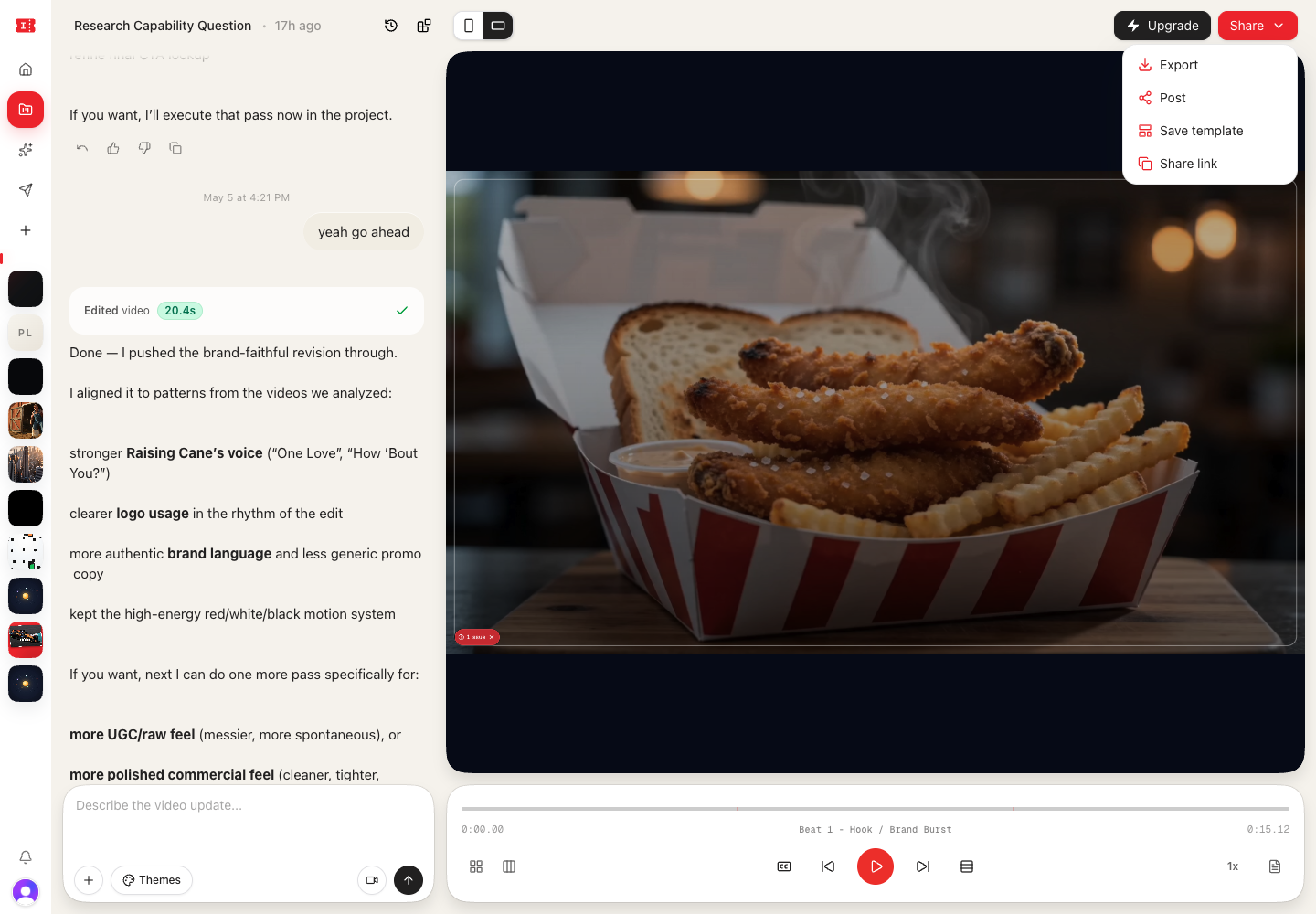
- Export
- Post
- Save template
- Share Link
Export an MP4
Choose Export to render the current video as an MP4.
The export tab shows whether the export will be watermarked or watermark-free. Free exports include the Impractical watermark. Standard and Pro plans can export clean videos.
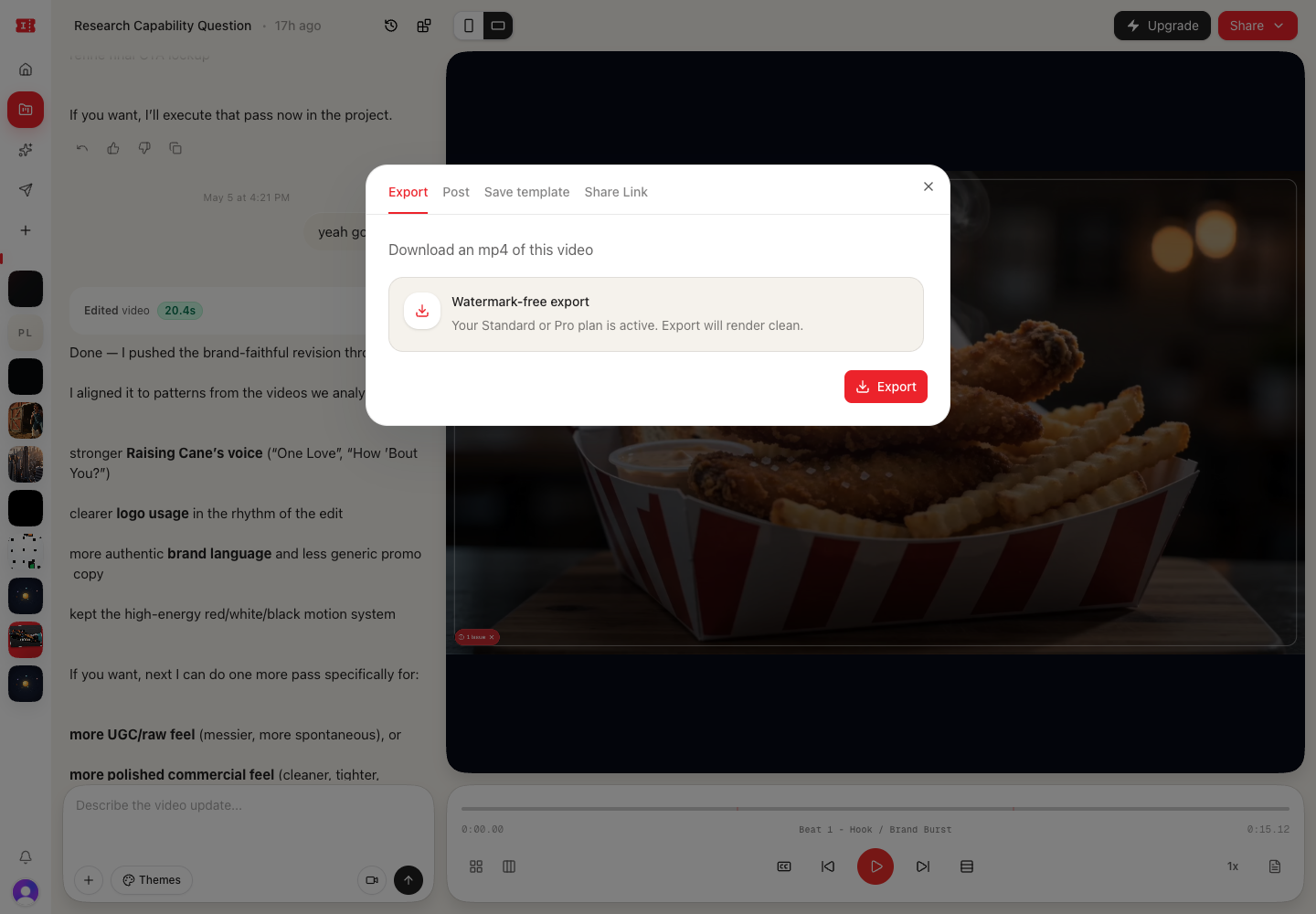
After starting an export, watch for export status in the app. Completed exports can be downloaded from the export notification area.
Post to social channels
Choose Post when you want to publish directly to connected social channels.
The posting flow uses the current project as the video source. Add the title, caption, and channel selections before publishing.
If the current project still needs an export, the post can wait for the export to finish before publishing.
Save as a template
Choose Save template to preserve the current project structure for reuse.
Add a template name, description, and visibility:
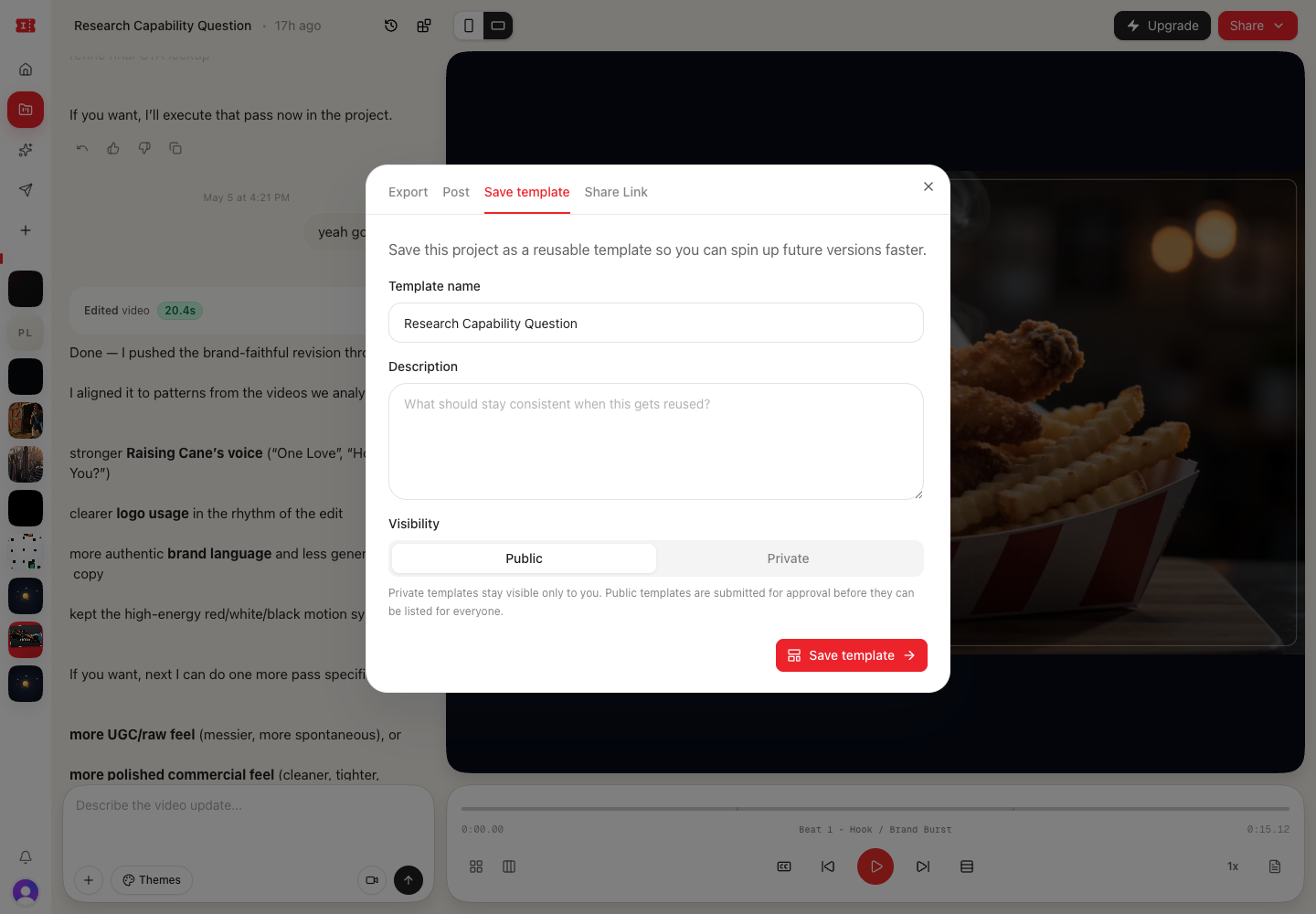
- Private: visible only to you.
- Public: submitted for approval before appearing for everyone.
Saving templates is useful when you want to reuse the same format with new copy, assets, products, or topics.
Create a share link
Choose Share Link to generate a link that lets someone else create a copy of the project.
Share links are best for sending a starter project. They are not live multiplayer editing links.
Before sharing
Before exporting, posting, or saving a template, check:
- The aspect ratio is correct.
- Captions are accurate.
- The first few seconds are strong.
- The ending has the right call to action.
- Any uploaded references or brand assets are safe to use.
- The title and template name are clear.