Credits power generation and production actions in Impractical. The Billing page shows your plan, credit balance, usage, and upgrade options.
Open Billing
Open /billing from the app when you need to manage credits or payment details.
The Billing page includes:
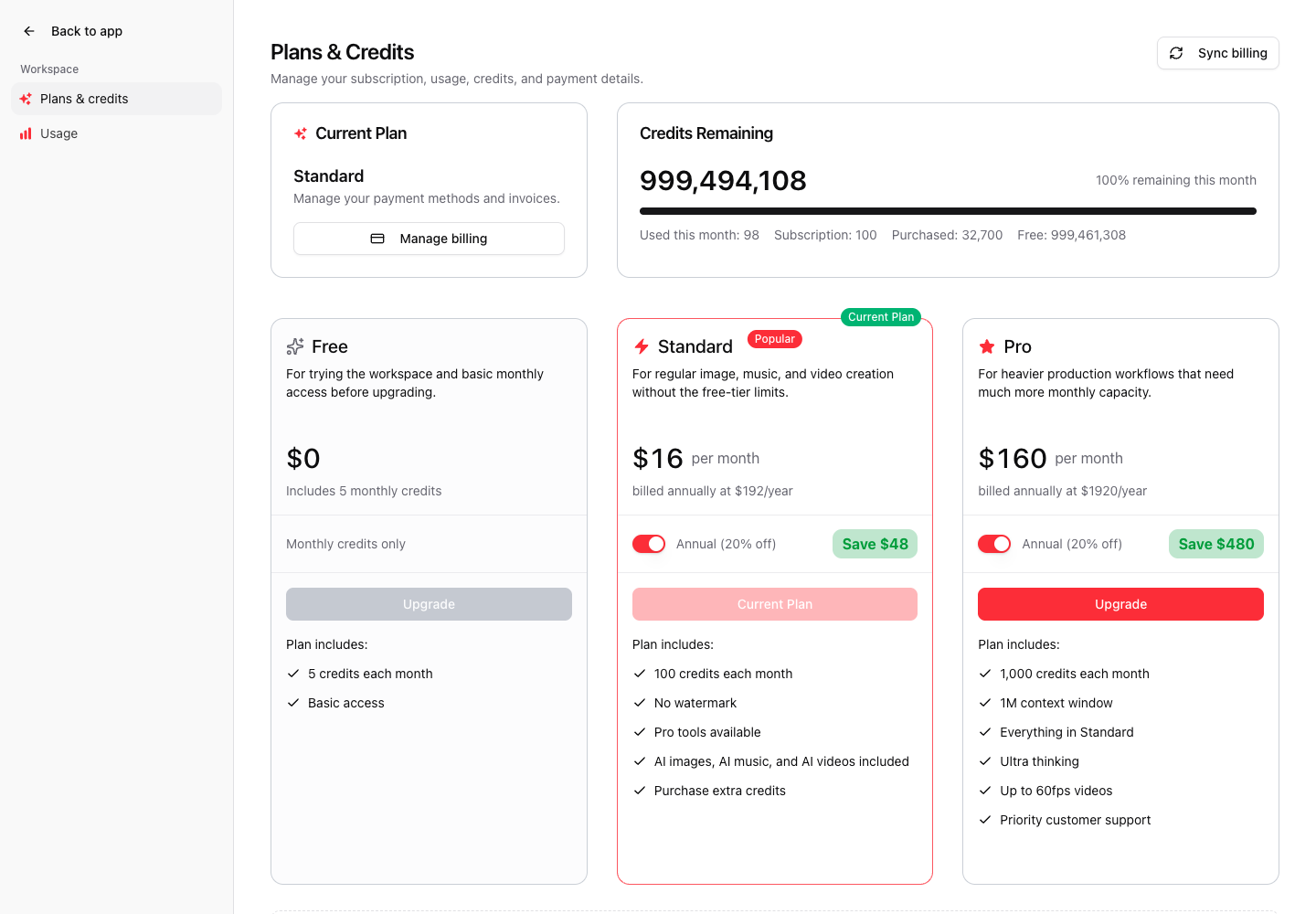
- Plans & credits
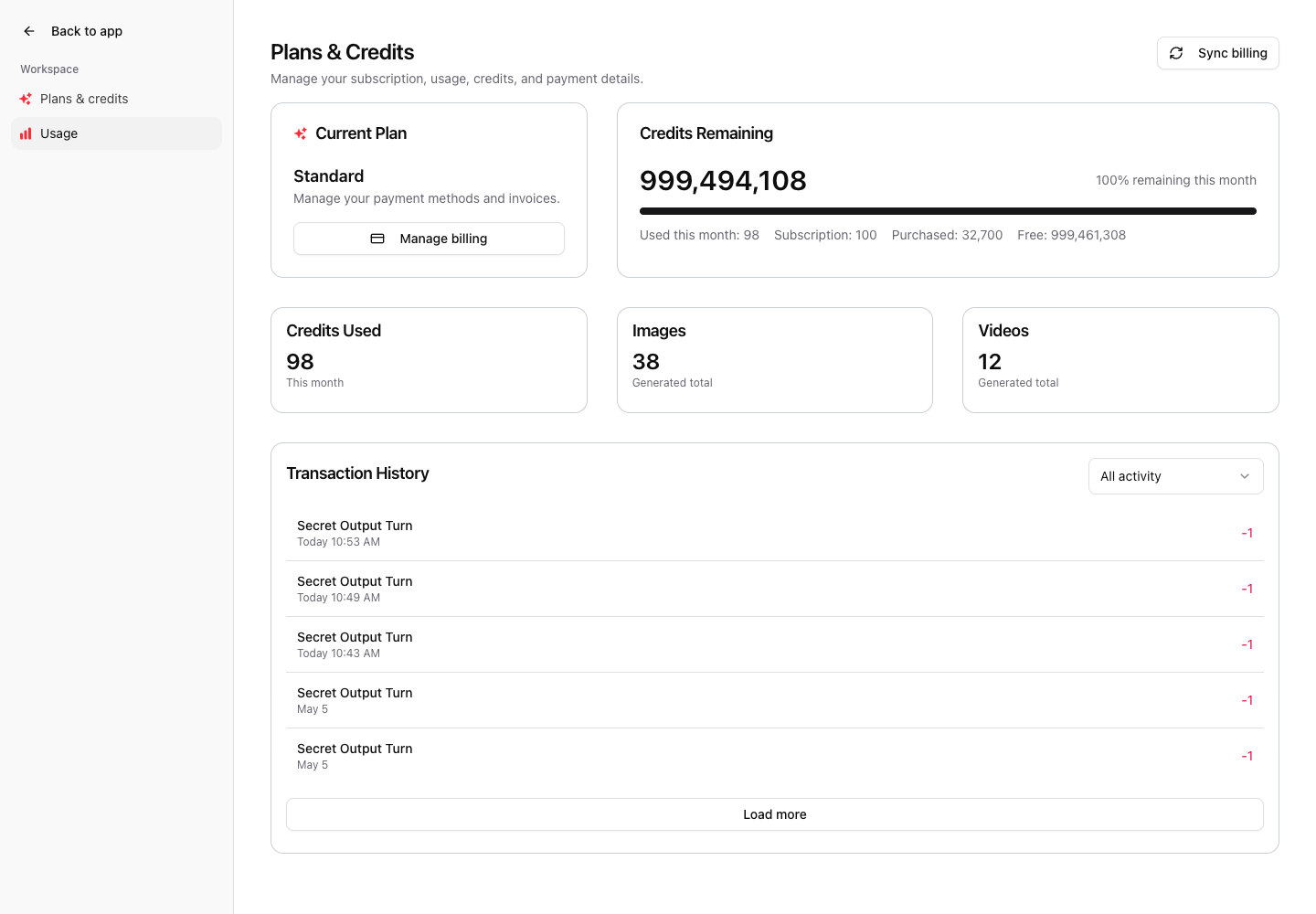
- Usage
- Current plan
- Credits remaining
- Monthly usage
- Subscription, purchased, and free credit balances
Review your current plan
The Current Plan card shows your active plan and whether billing management is available.
Use Manage billing to open the billing portal for payment methods and invoices.
Check credits remaining
The Credits Remaining section shows the current balance and usage progress.
Credit categories can include:
- Subscription credits
- Purchased credits
- Free credits
- Used credits for the current month
Sync billing
Use Sync billing if a recent purchase, plan change, or checkout return has not appeared yet.
Billing changes can take a short time to propagate, especially immediately after checkout.
Upgrade or buy credits
The plans area shows available subscription plans and credit options.
Use a paid plan when you need recurring monthly capacity or watermark-free exports. Use purchased credits when you need extra capacity outside the monthly plan.
Usage tab
Open Usage to review credit consumption over time.
Use this page to understand how much capacity remains before starting larger workflows.
Before starting a large project
Check credits before:
- Generating multiple videos.
- Running many refinements.
- Rendering exports.
- Producing longer videos.
- Publishing workflows that depend on export generation.