The Projects page is the main place to find and manage your video work.
Open Projects
Use Projects in the sidebar.
The Projects page shows a Create new project card followed by your existing project cards. Each project card includes the project title, last edited time, a share action, and a more-options menu.
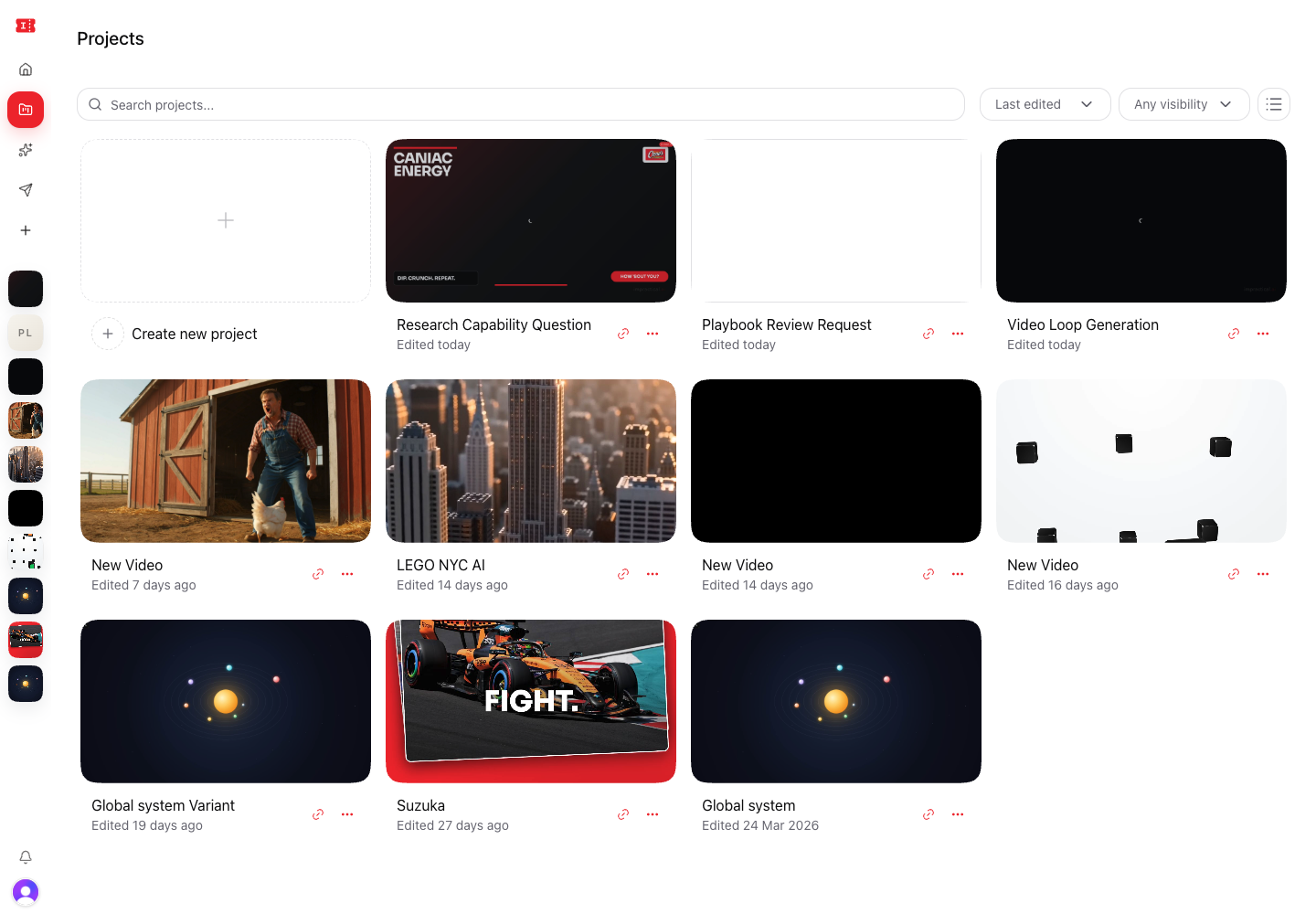
Create a new project
Select Create new project to open a blank video workspace.
From there, use the workspace composer to describe the video you want to create.
Search and filter
Use Search projects... to find a project by title, status, ratio, or visibility.

Use the sort menu to change the project order:
- Last edited
- Title A-Z
- Title Z-A
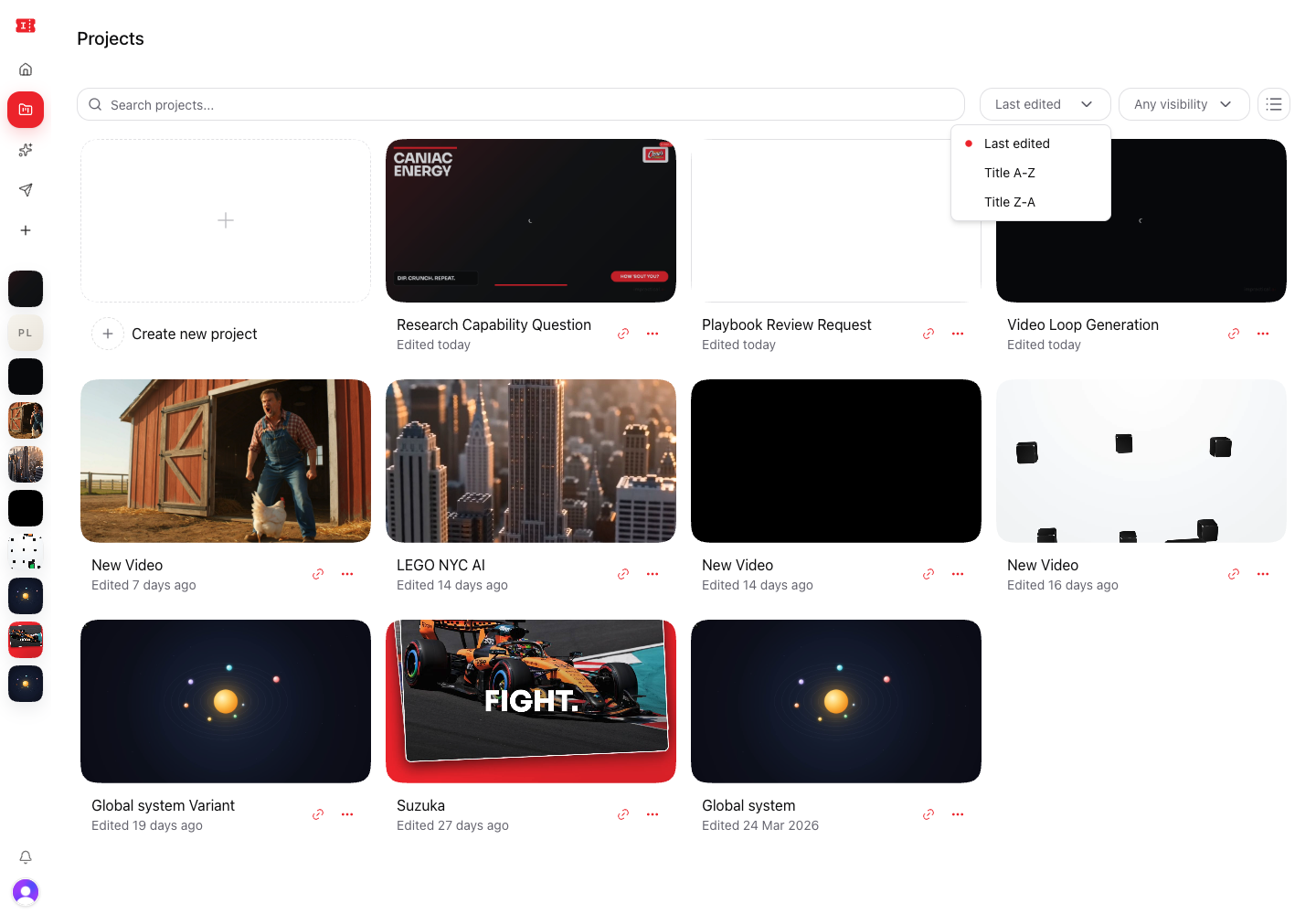
Use the visibility menu to filter:
- Any visibility
- Private
- Shared
- Public
Open a project
Select a project card or thumbnail to open the project workspace.
The workspace preserves the project title, generated versions, preview, timeline, chat history, and export options.
Rename a project
Open the project card's More options menu and choose Rename.
You can also rename the active project from the Project name field inside the workspace.
Share a project copy
Use Share on a project card or open Share Link from the workspace share modal.
Share links create a starter copy for the recipient. They are useful for sending a project structure to someone else without creating a live collaborative editing session.
Delete a project
Open More options and choose Delete.
Deletion removes the project from your workspace. Only delete a project when you are sure you no longer need its versions, chat context, or exports.