Templates let you start from a reusable video structure instead of a blank project.
Open Templates
Use Templates in the sidebar.
The Templates page is organized into your own templates and community templates. Each template card shows the template name, description, usage count, and a Use action.
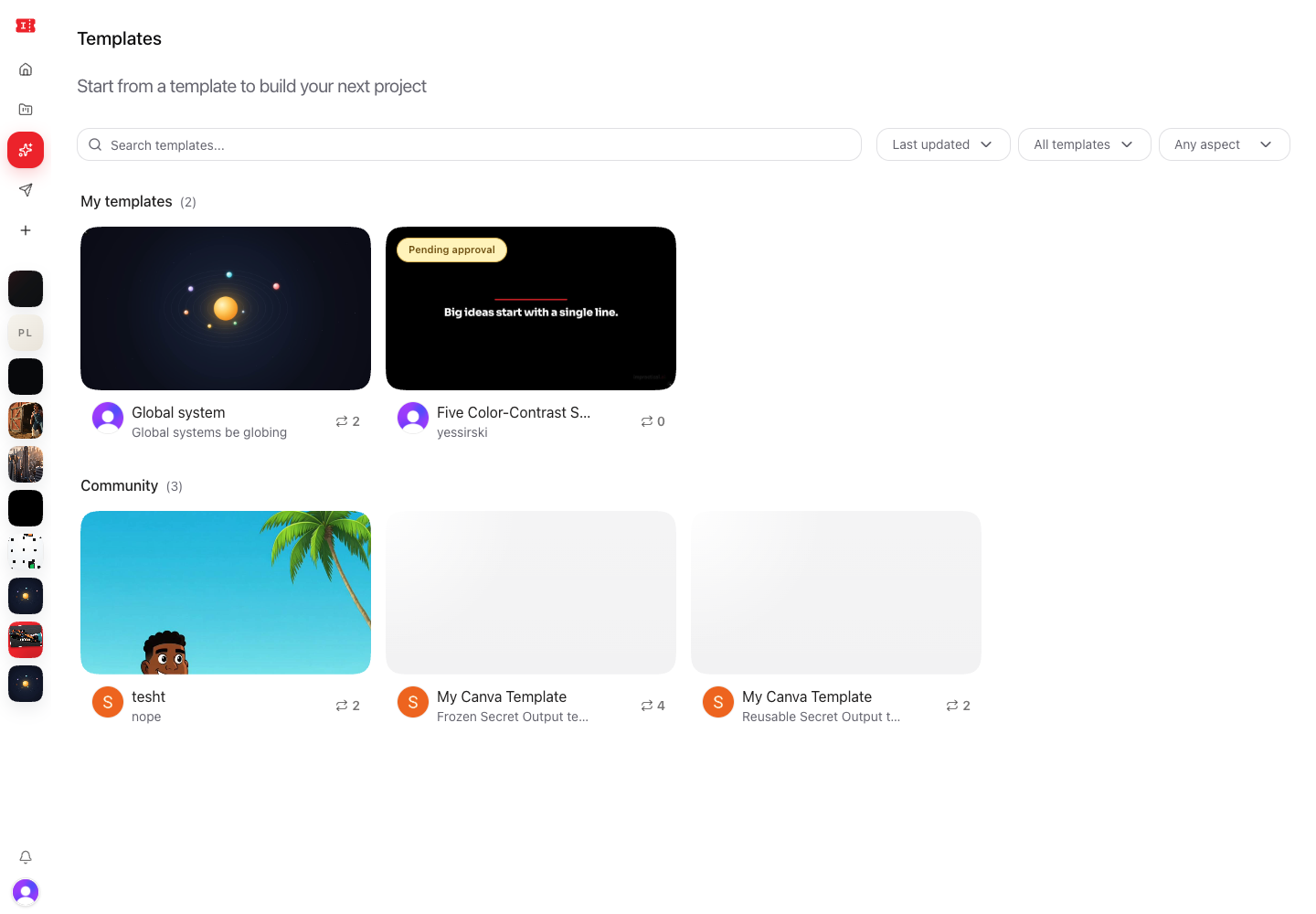
Find a template
Use Search templates... to search by name, description, creator, or format.
Use the sort menu to choose:
- Last updated
- Most used
- Name A-Z
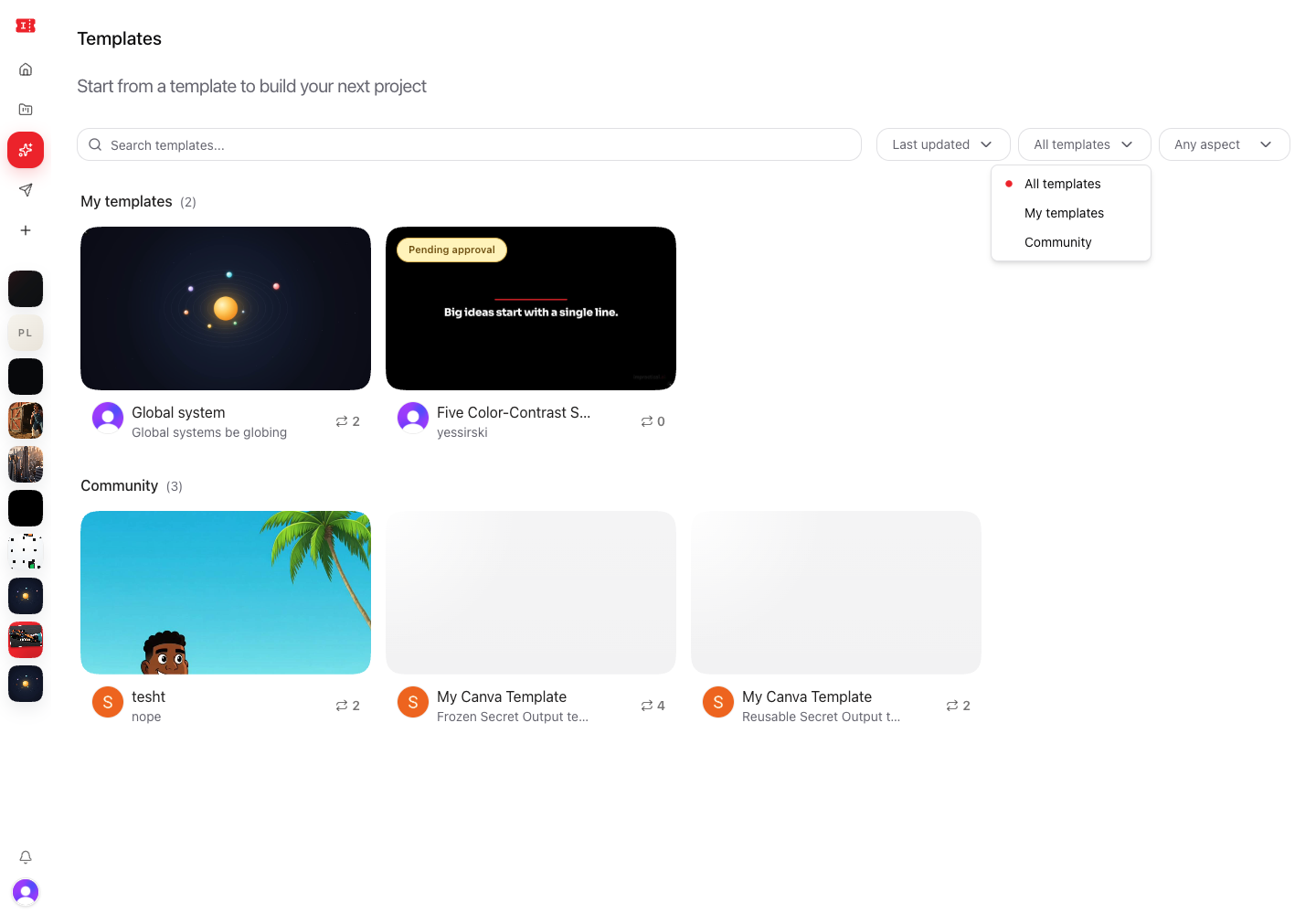
Use the library filter to choose:
- All templates
- My templates
- Community
Use the aspect filter to choose:
- Any aspect
- Portrait
- Landscape
- Both
Preview a template
Select a template card to preview more detail before using it.
Templates can include a preview video or a generated component preview. Use the preview to understand the pacing, layout, sections, and visual treatment before cloning it.
Use a template
Select Use on a template card.
Impractical creates a new project from the template so you can customize it without changing the original template.
After the new project opens, use chat to replace copy, adjust the subject, change the style, add references, or rework sections.
Save your own template
Open a project, select Share, then choose Save template.
Add:
- Template name
- Description
- Visibility
Private templates stay visible only to you. Public templates are submitted for approval before they can be listed for everyone.
When to use templates
Use templates for repeatable formats:
- Product launches.
- Founder updates.
- Social ads.
- YouTube Shorts.
- Explainers.
- Recaps.
- Customer proof videos.
- Brand-consistent campaign formats.